Every PC gamer knows the frustration: you purchase a strictly single-player campaign game on Steam, double-click the desktop icon, and instead of booting into the game engine, Windows spawns a slow Chromium-based secondary publisher launcher that demands an email verification code, updates itself twice, injects a duplicate in-game overlay on top of Steam's overlay, and refuses to launch the executable if your home fiber connection happens to blink.
Thankfully, over the past eighteen months, several major publishers have begun quietly stripping out their secondary launchers from Steam releases—and every single time they do, player concurrency and positive review ratings jump overnight.
Title: The Real Technical Cost of Secondary PC Launchers
Badge: Editorial Verdict
- RAM & CPU Background Bloat: Embedded Chromium (CEF) wrapper launchers routinely consume 350MB to 650MB of system RAM and trigger periodic background thread wake-ups while you are in-game.
- Handheld PC & Proton Friction: On SteamOS / Linux handhelds like the Steam Deck OLED, secondary launcher self-updates frequently break Wine prefix authentication tokens during offline travel.
- Duplicate Overlay Hook Conflicts: Stacking a publisher overlay on top of Steam Input, Discord Overlay, and NVIDIA ShadowPlay hooks into `Present()` / `DXGI SwapChain` is a leading cause of frame-time pacing jitter.
The Handheld Litmus Test: Can I Play on an Airplane?
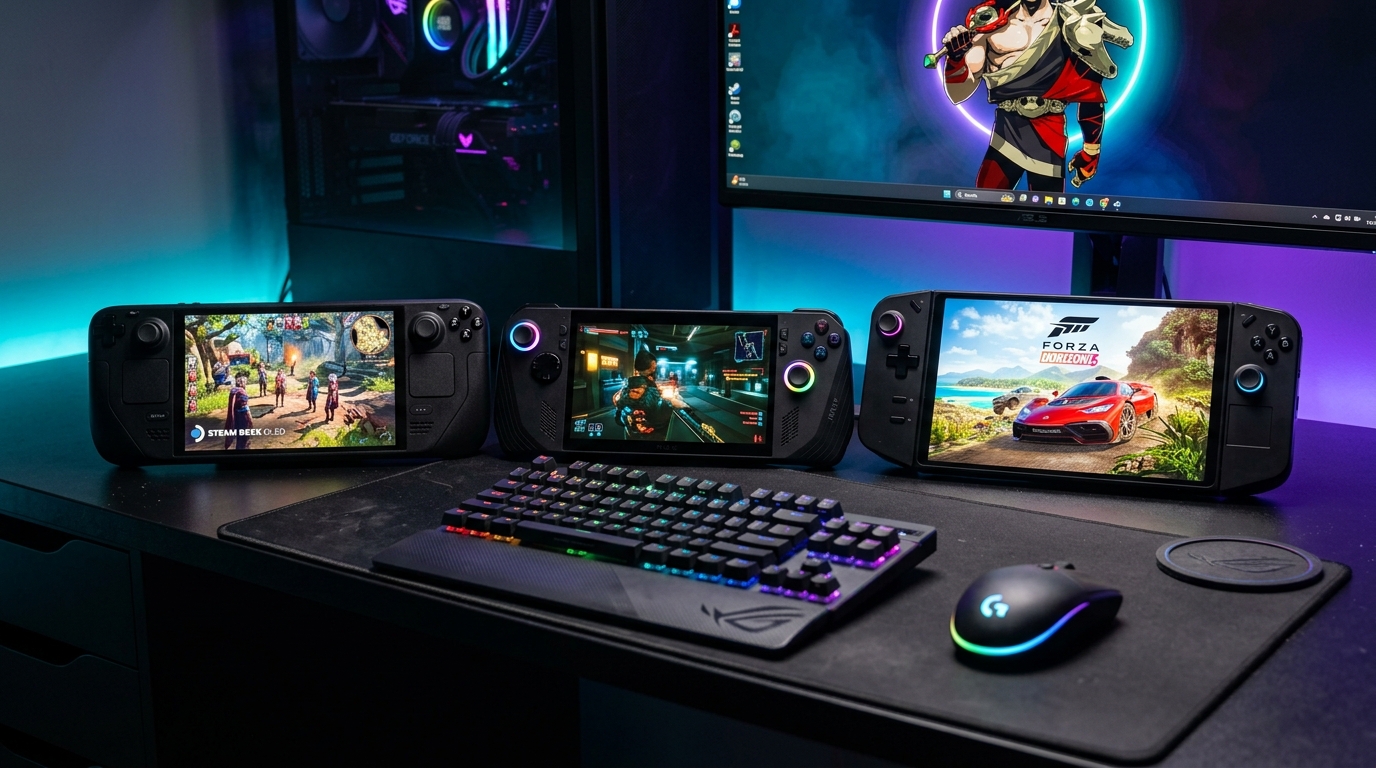
The explosion of handheld PC gaming—explored in our Steam Deck OLED vs. ROG Ally X vs. Legion Go Showdown—turned offline compatibility from a niche complaint into a primary purchasing criterion. A handheld gaming PC is built for trains, flights, and hotel rooms with spotty Wi-Fi.
When a single-player masterpiece like Baldur's Gate 3, Elden Ring, Cyberpunk 2077, or Kingdom Come: Deliverance II launches directly into the game binary with zero mandatory online login walls, it respects the customer who paid for it. Conversely, when a single-player game locks its save file behind an online authentication server, the legitimate buyer receives a worse experience than someone running an offline build.
The Blueprint for Player-Friendly Account Integration
If a publisher wants to offer cross-progression cloud saves between PC, PlayStation 5, and Xbox Series X|S, the solution is simple and already proven: place an optional, non-intrusive "Link Account for Cross-Save" button inside the main menu settings screen, processed via a clean QR code or browser OAuth token—while letting offline players boot straight into their local campaign in three seconds flat.